🔌
Zero-Config Interception
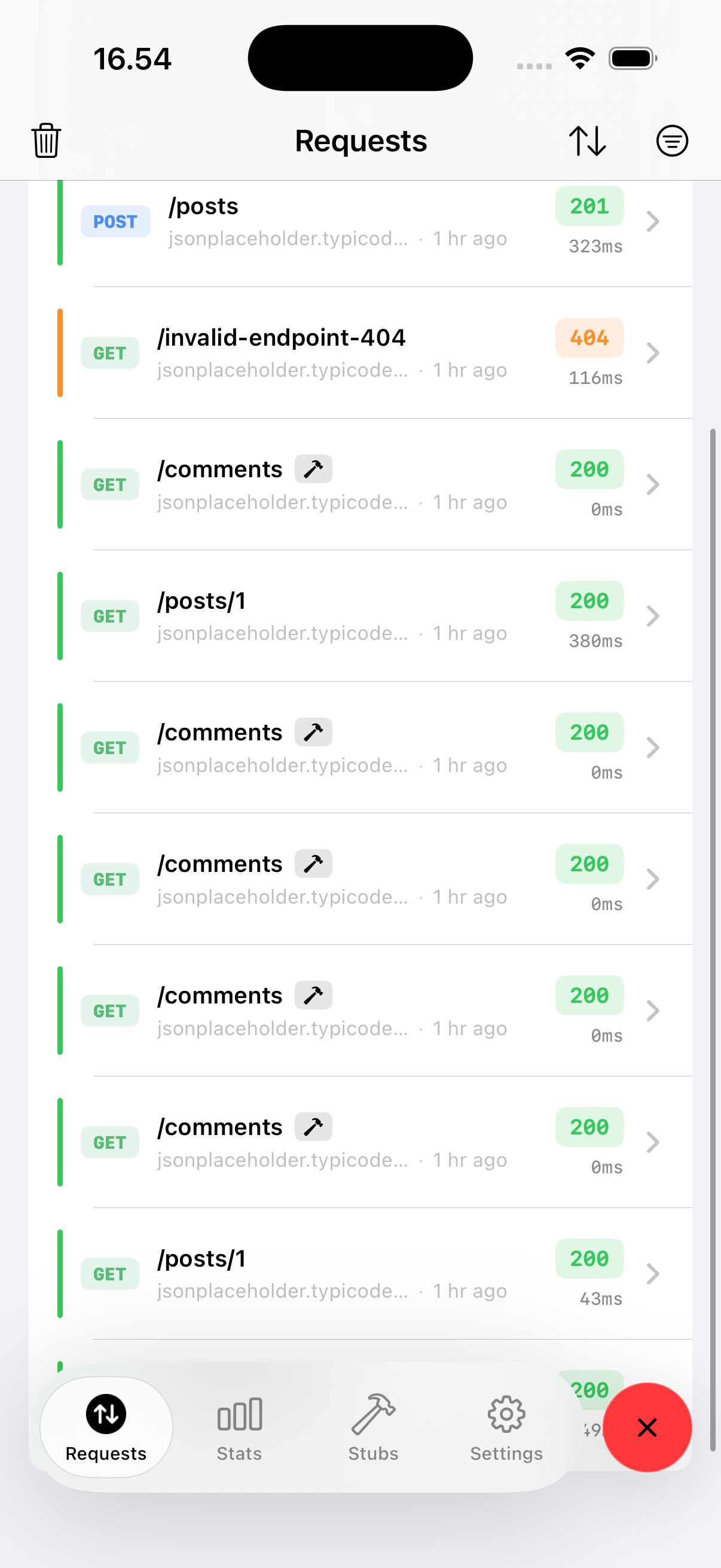
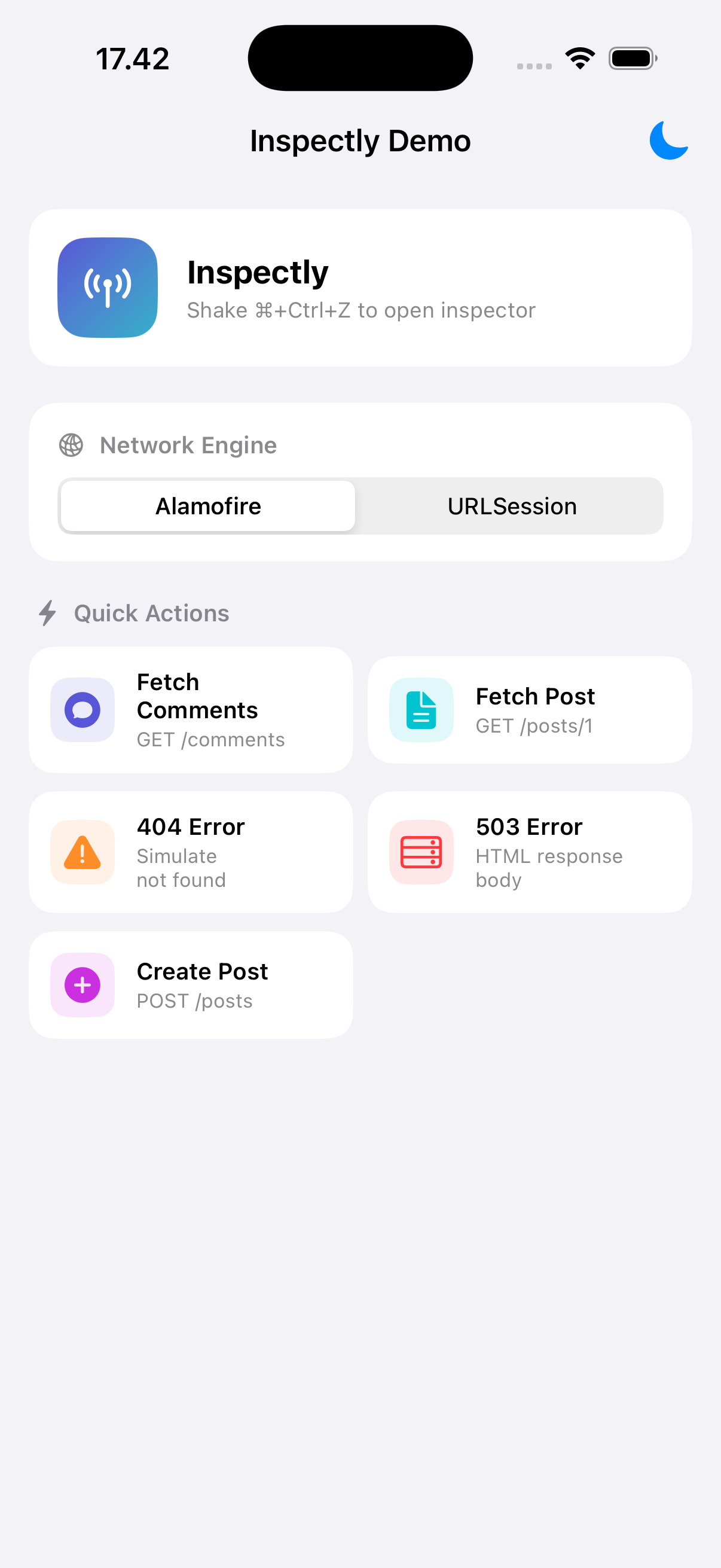
Call Inspectly.enable() and every URLSession, Alamofire, and AFNetworking request is captured automatically.
🔨
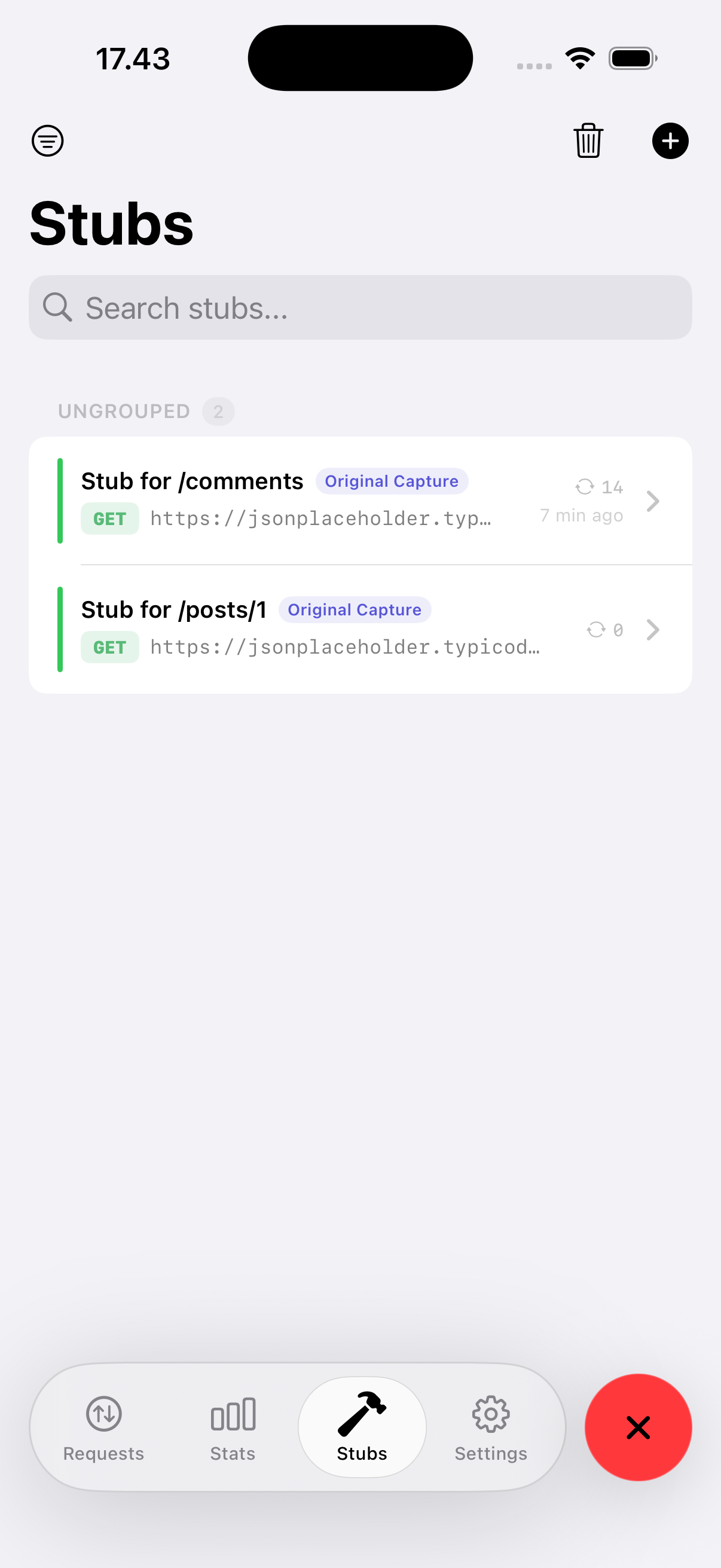
Method-Only Stubbing
Create stubs from real requests in one tap. Match by HTTP method, define status + body, and see the original endpoint for reference.
▶️
Request Replay
Edit method, URL, headers, or body and re-run the request. Inspect real response status, duration, and body instantly.
📈
Performance Timeline
Interactive waterfall with zoom, time ruler, and blocking detection. Tap any phase for timing details.
🛡️
Security Scanner
Auto-detect HTTP traffic, missing security headers, exposed secrets, and sensitive query parameters.
🧱
Generate Swift Model
Turn any JSON response into a Codable Swift model with CodingKeys, ready to copy or share.
🔔
Local Notifications
Get alerted for slow requests, error responses, or traffic to specific hosts. Tap to open the request detail.
🔒
Sensitive Header Masking
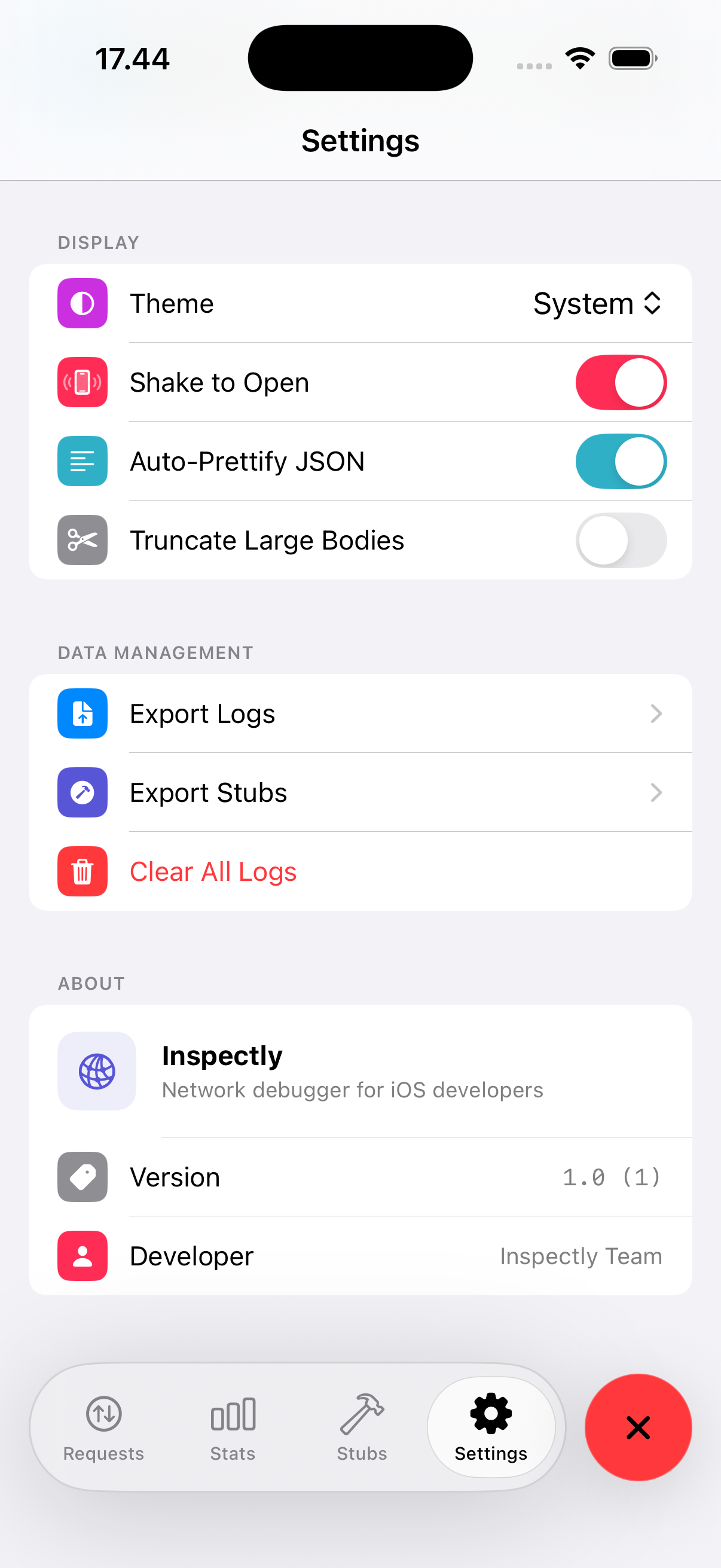
Authorization, Cookie, X-Api-Key and other sensitive headers are masked by default with a per-row reveal toggle.
📊
Statistics Dashboard
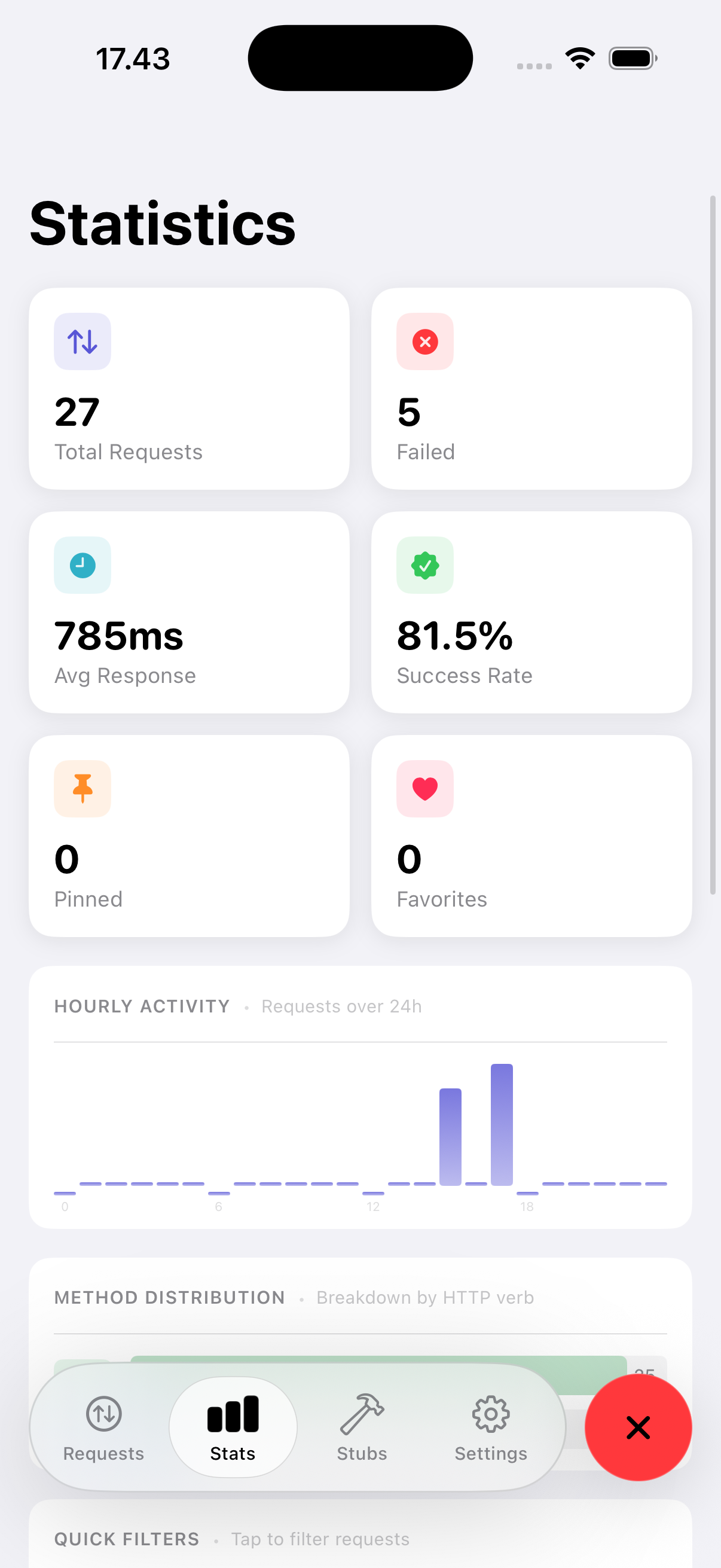
Success/error rates, slowest endpoints, performance heatmap, duplicate detector, and large-response warnings.
🌐
HTML & JSON Preview
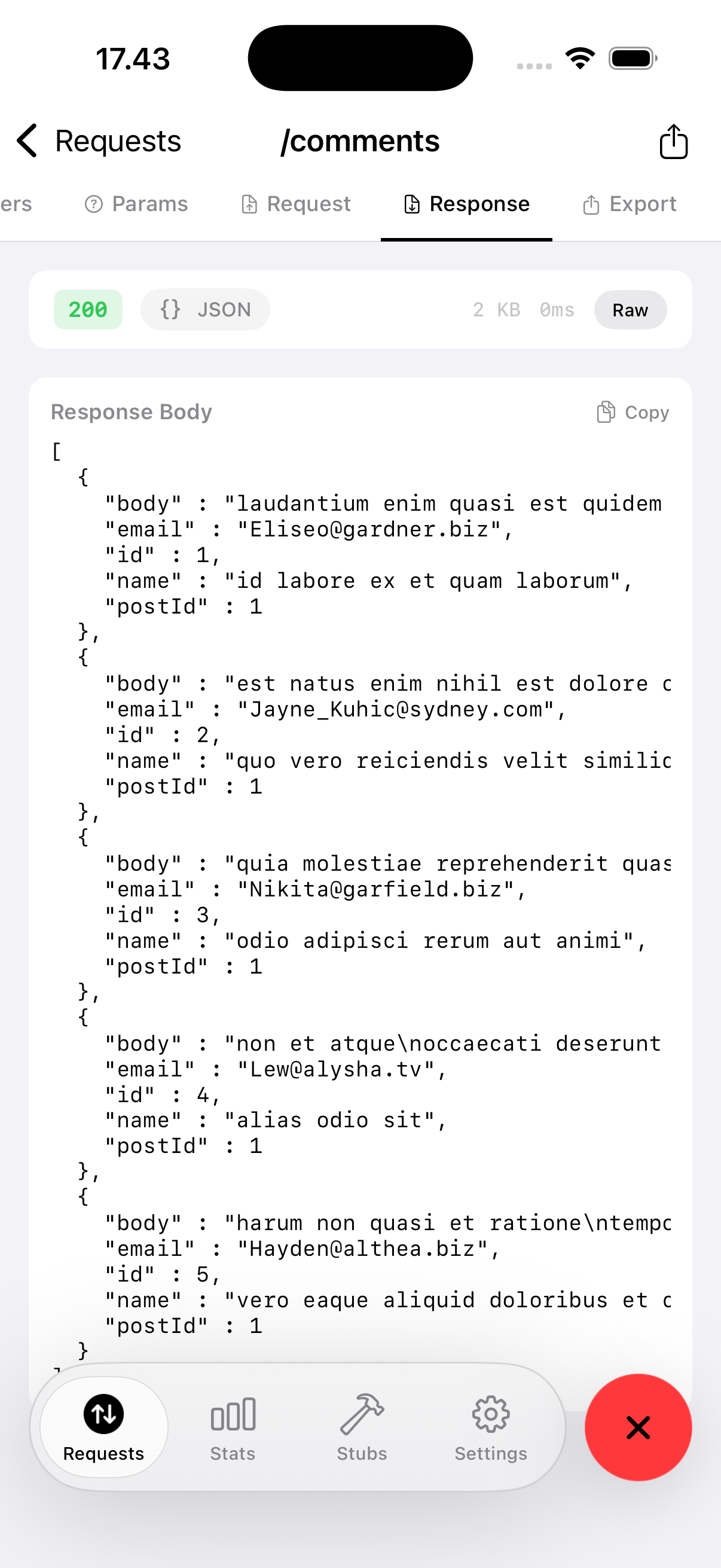
Smart content detection, auto-prettified JSON, and a live WebView for HTML responses.
🔎
Full-Text Search
Search across URL, method, host, status code, request body, response body, and error messages.
🐌
Network Throttling
Simulate Edge, 3G, LTE, or custom bandwidth and delay directly from Settings.