Capture, inspect, debug, and mock network requests with zero configuration and zero dependencies.
Inspectly works automatically once enabled — no custom URLSession setup, no delegates, no boilerplate.
Call Inspectly.enable() and every URLSession, Alamofire, or AFNetworking request is captured automatically.
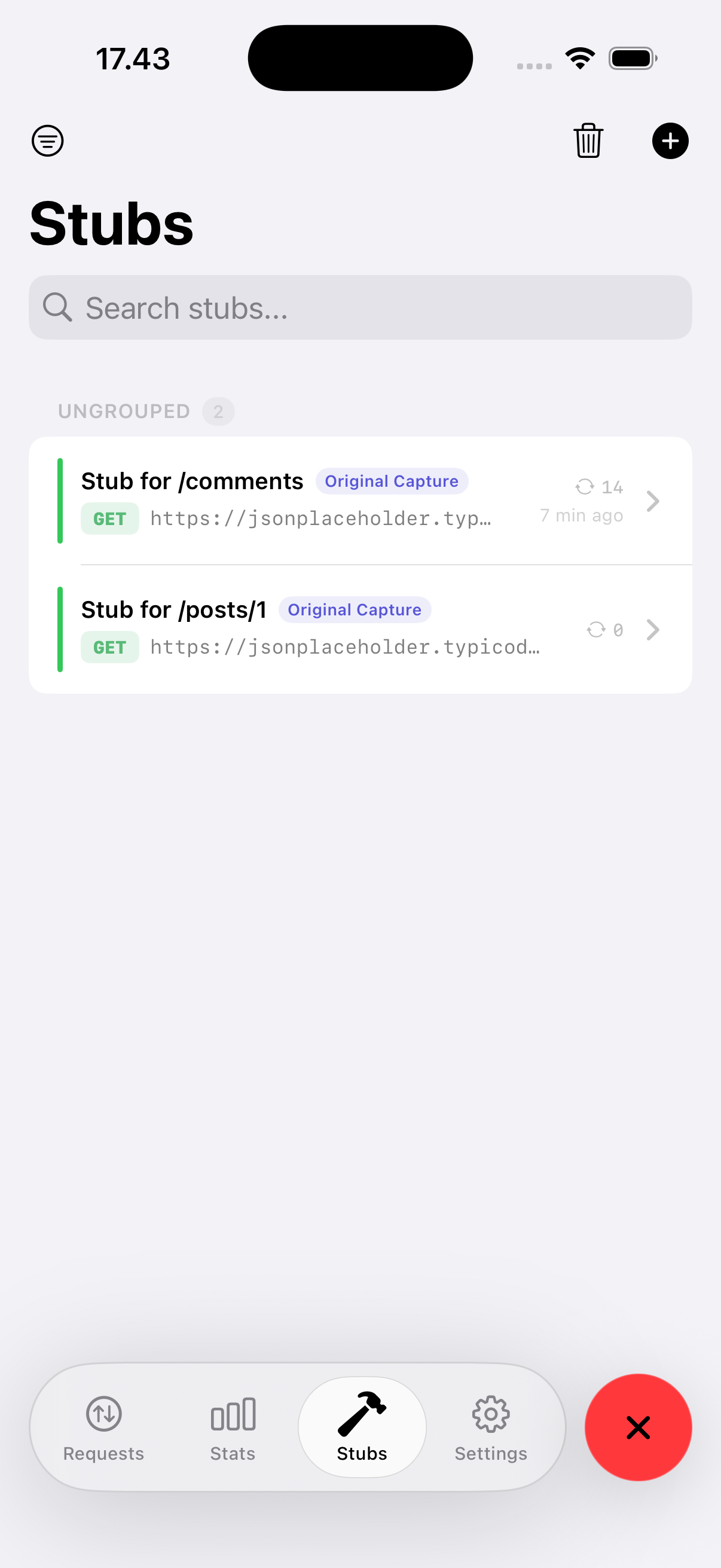
Create stubs from real captures with one tap. Match by Exact URL, Contains, Prefix, Suffix, or Regex. All matching requests across history are marked instantly.
Set a configurable threshold (0.5–10s). Requests exceeding it are highlighted with a visual indicator — instantly spot performance regressions.
Authorization, Cookie, X-Api-Key and other sensitive headers are masked by default with a per-row reveal toggle.
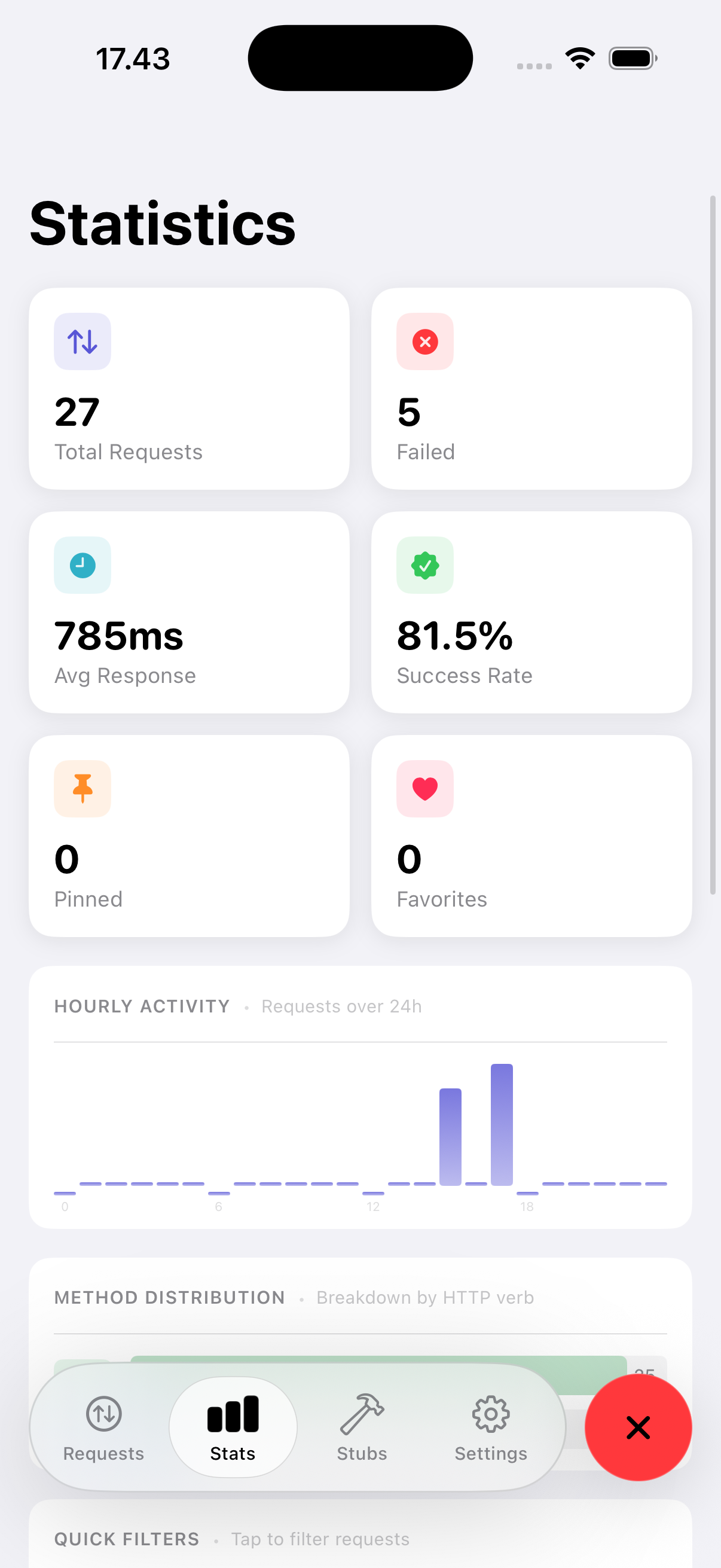
At-a-glance breakdown of success vs error rates, slowest endpoints, most active hosts, and request volume over time.
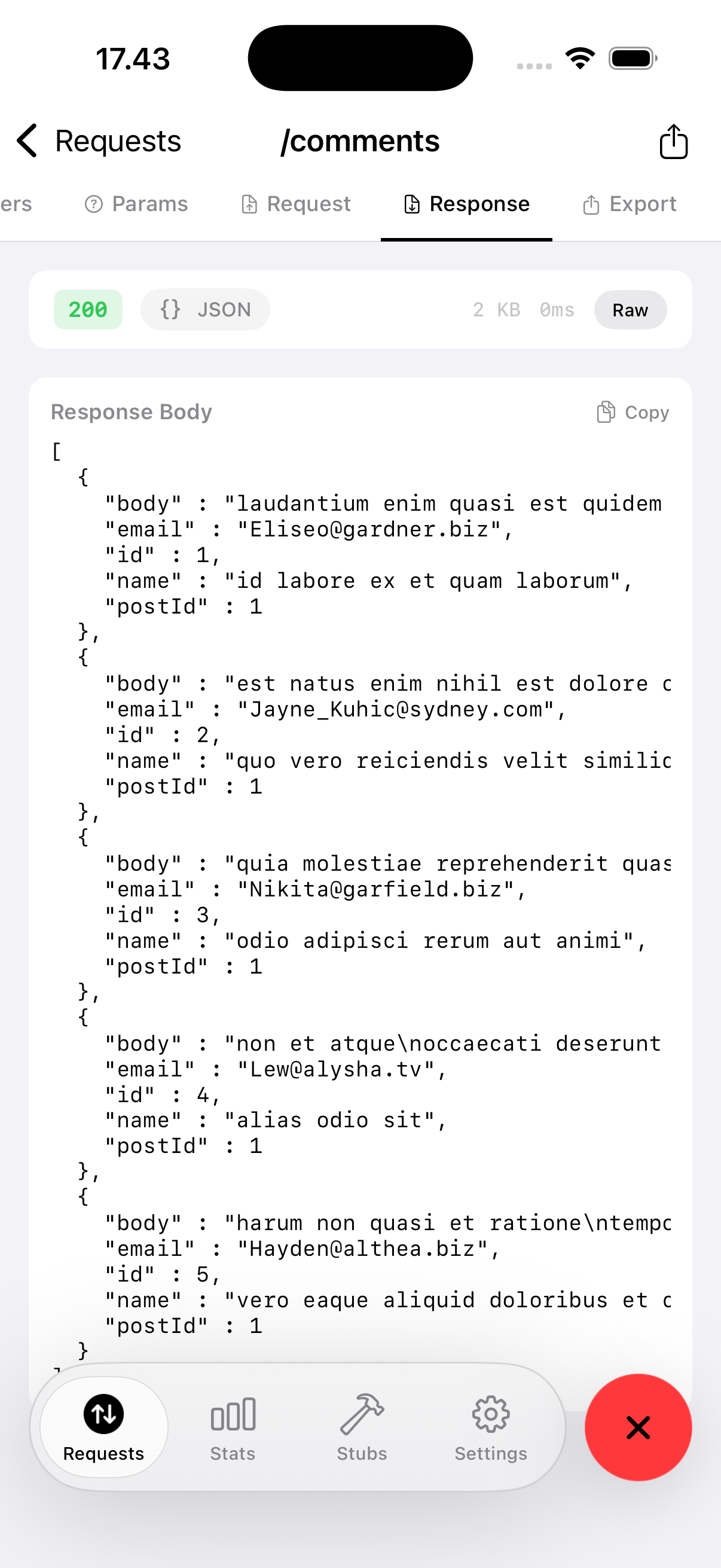
Response bodies render with smart content detection. JSON is prettified automatically. HTML renders in a live WebView — ideal for debugging server error pages.
Search across URL, method, host, status code, request body, response body, and error messages — all at once.
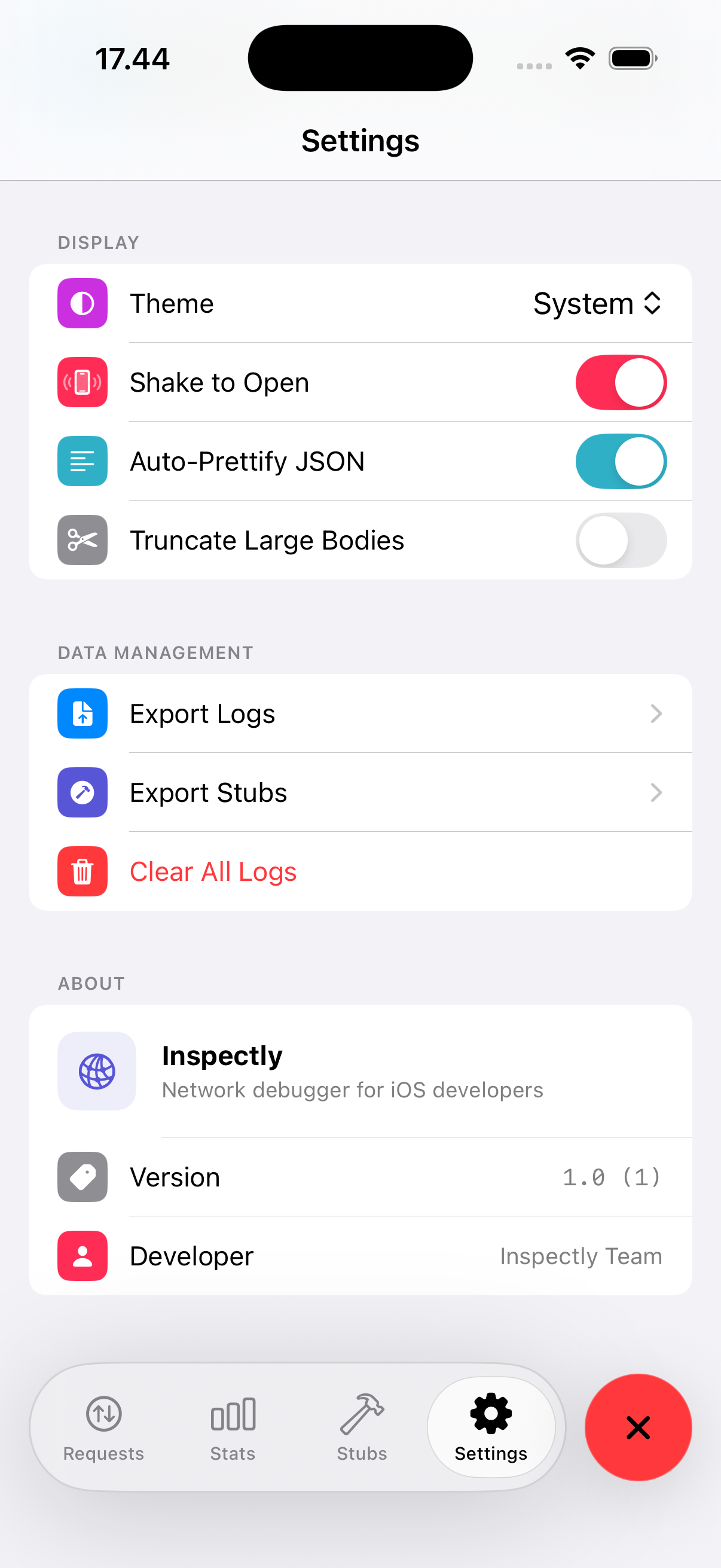
Simulate Edge, 3G, LTE, or fully custom bandwidth and delay conditions directly from the Settings panel.
Copy any request as a properly shell-escaped cURL command. Paste it straight into Terminal or share with teammates.
Add via Swift Package Manager and call one line of code.
In Xcode, go to File → Add Packages and paste the repository URL, or add it directly to your Package.swift.
Call Inspectly.enable() inside your App.init(). Wrap it in #if DEBUG to keep it out of production builds.
Shake the device, or call Inspectly.presentInspector() from anywhere in your app. That's it.
Tap any captured request → Create Stub. Edit the response, enable the stub, and re-run your flow.
A native SwiftUI interface that feels right at home on iOS.
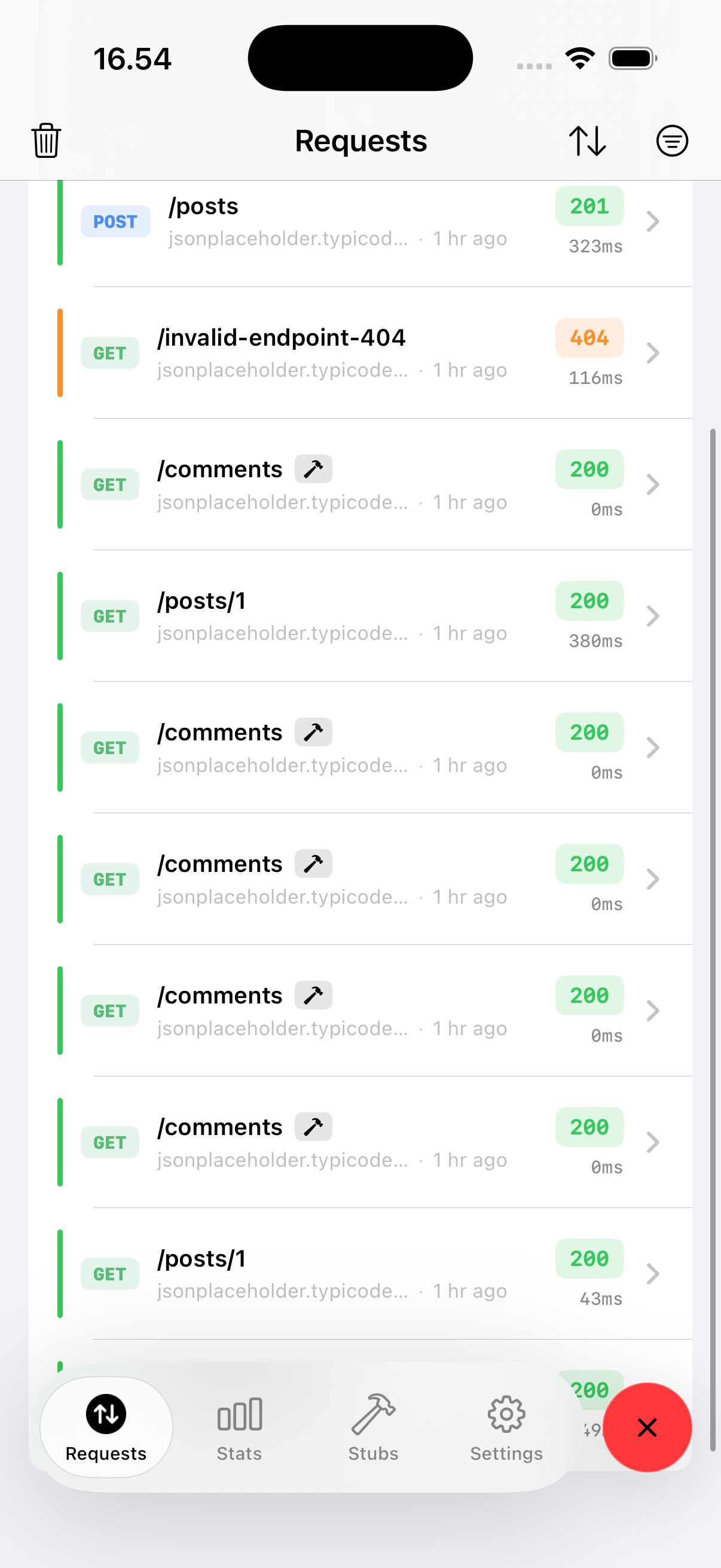
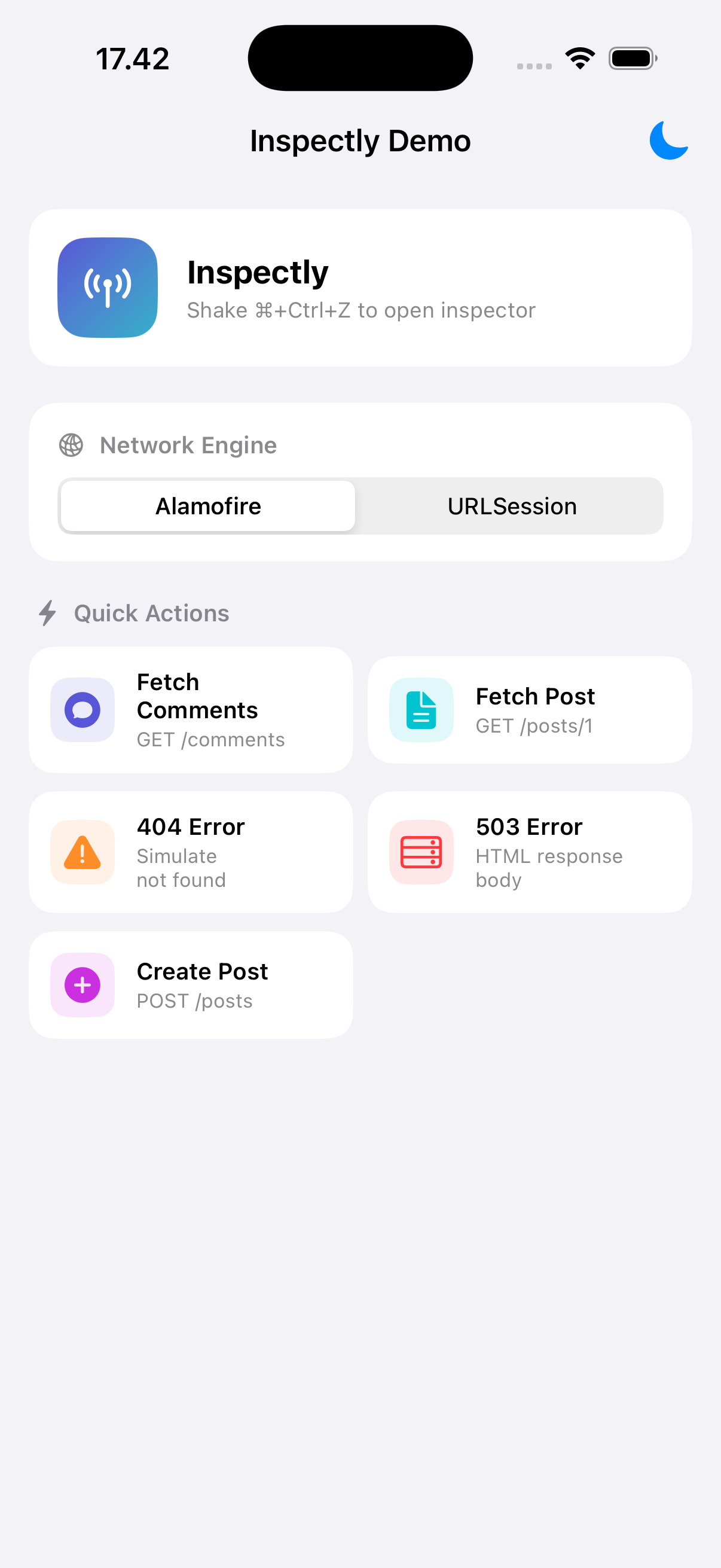
No custom setup required — Inspectly hooks into the Foundation networking layer and intercepts all traffic automatically.
Native iOS networking
Popular Swift HTTP client
Objective-C networking
Moya, RxAlamofire, etc.
Add the package, call one line, and you're debugging.